Soultan Install Instructions
(English)
Mac OS
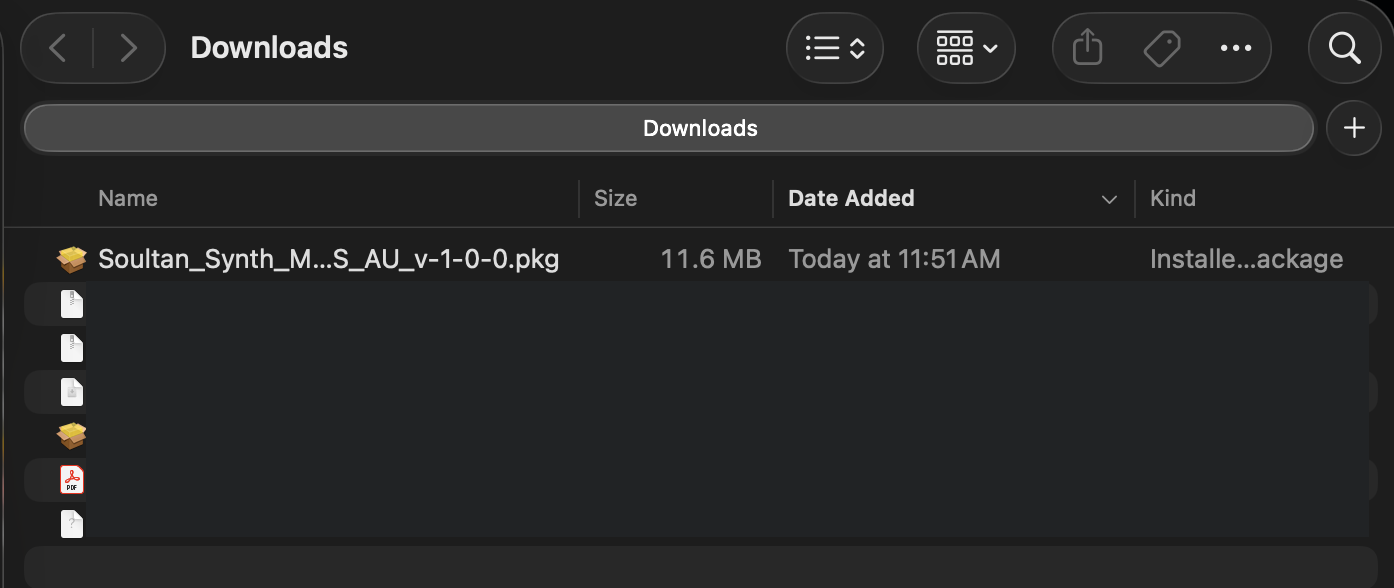
Locate the down-loaded installer file in your “Downloads” folder (download location may vary):
Apple Audio Unit (AU)
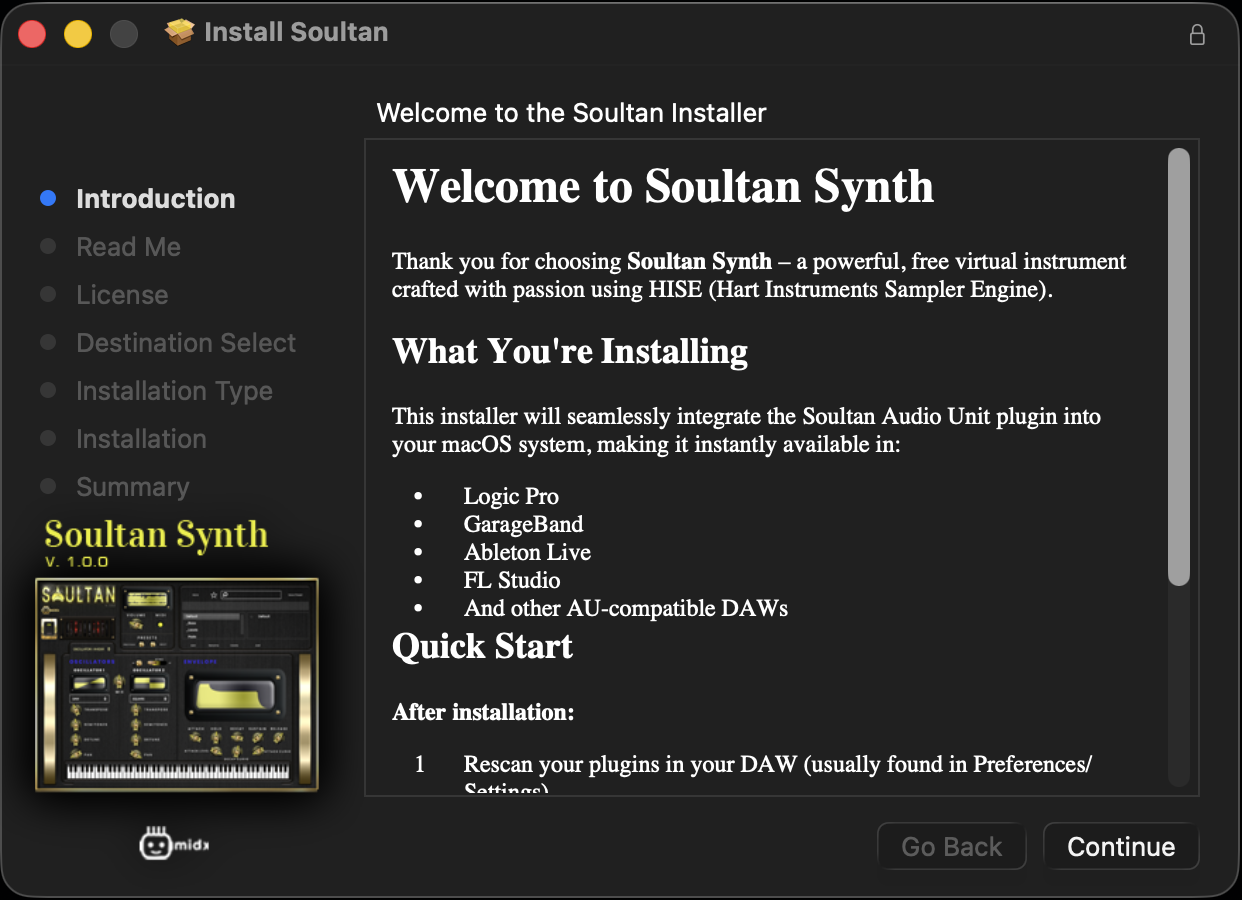
Double click to run the install package:
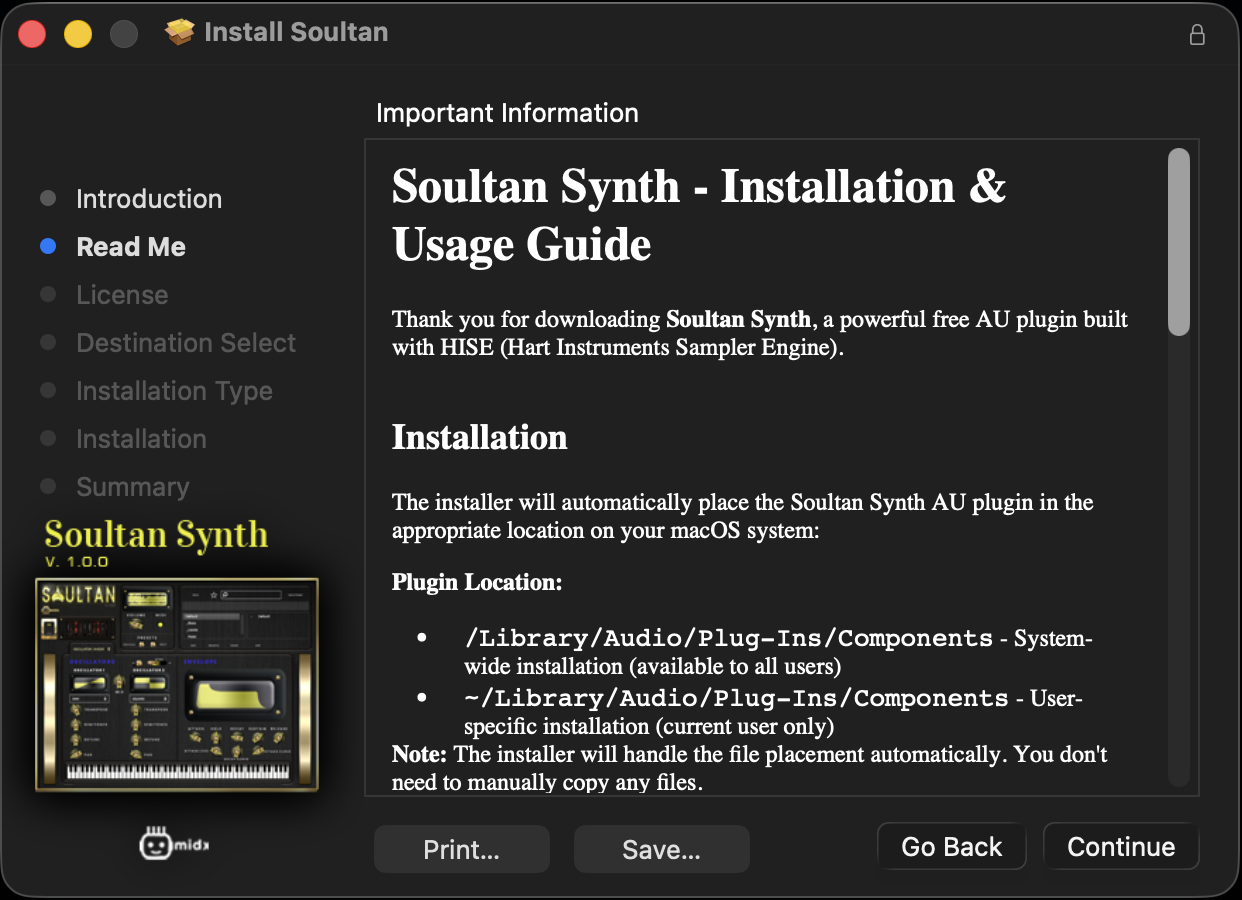
Read through the “Read Me” guide and click Continue:
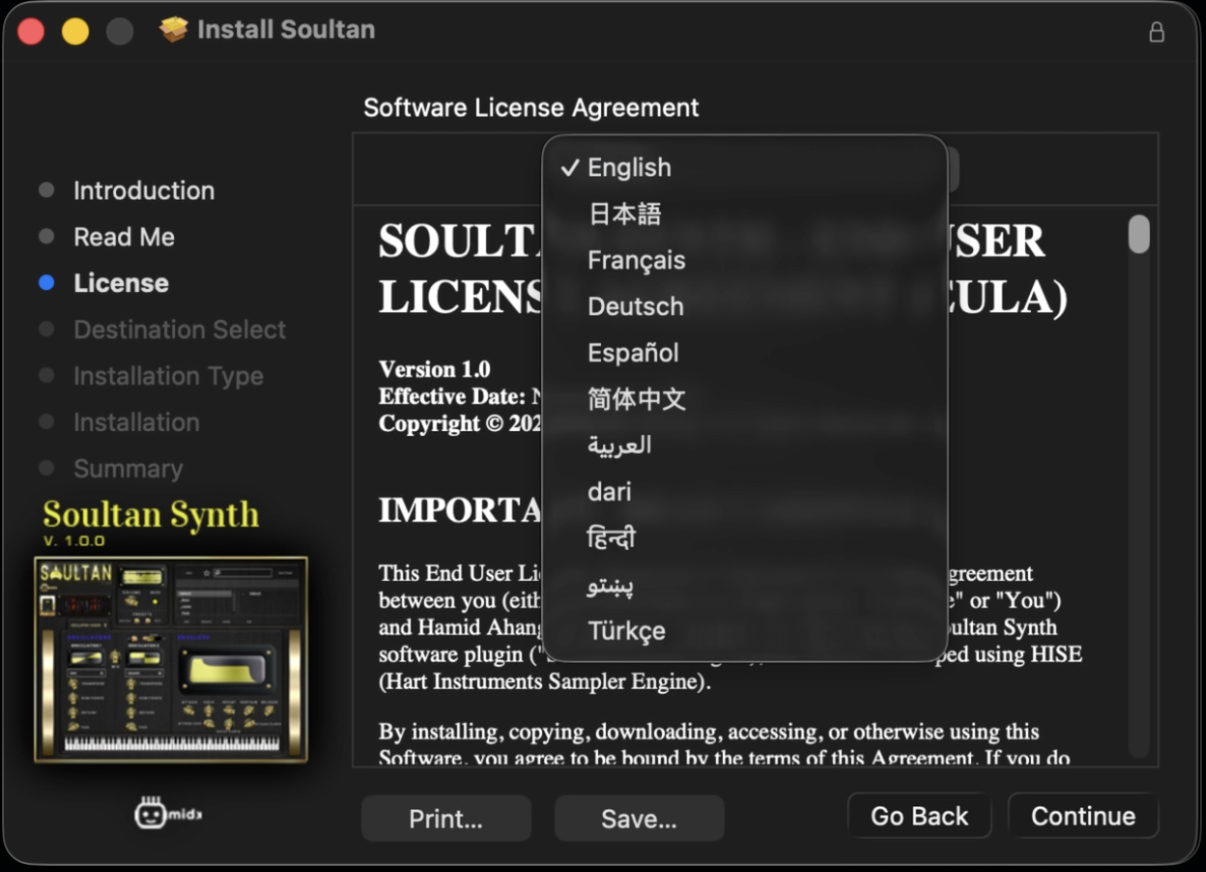
Read through the “License Agreement” and see next slide if need to change it to a different language.

Click on drop-down and select any of these other languages to read the license file, then click Continue:
Arabic
Chinese
Dari (Farsi)
French
German
Hindi
Japanese
Pashto
Spanish
Turkish
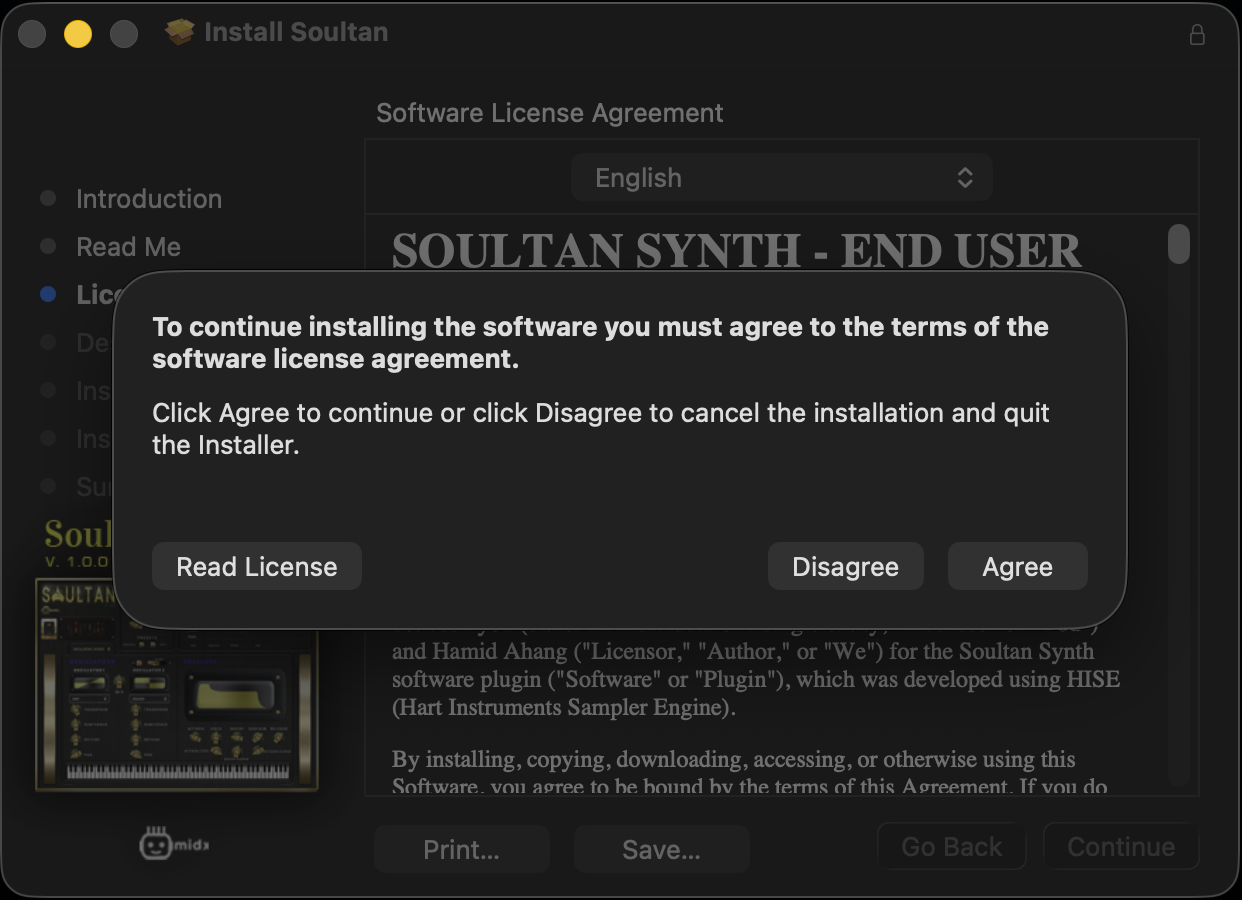
Click “Agree” to licensing terms to continue:
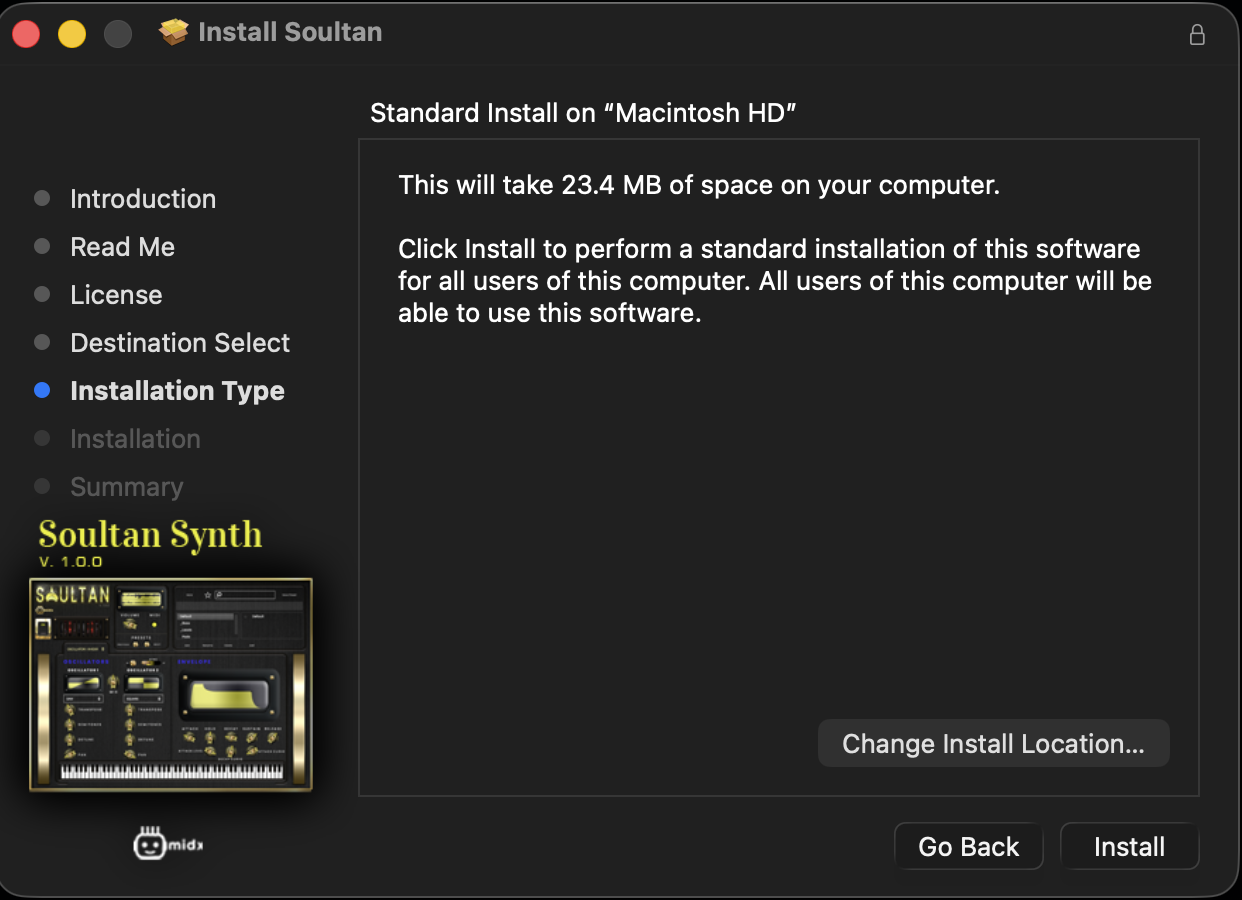
Select your desired install destination and click Conintue:

Once everything is confirmed, click on “Install”:
A “Summary” page will appear after install is complete and you can click on “Close” to exit:
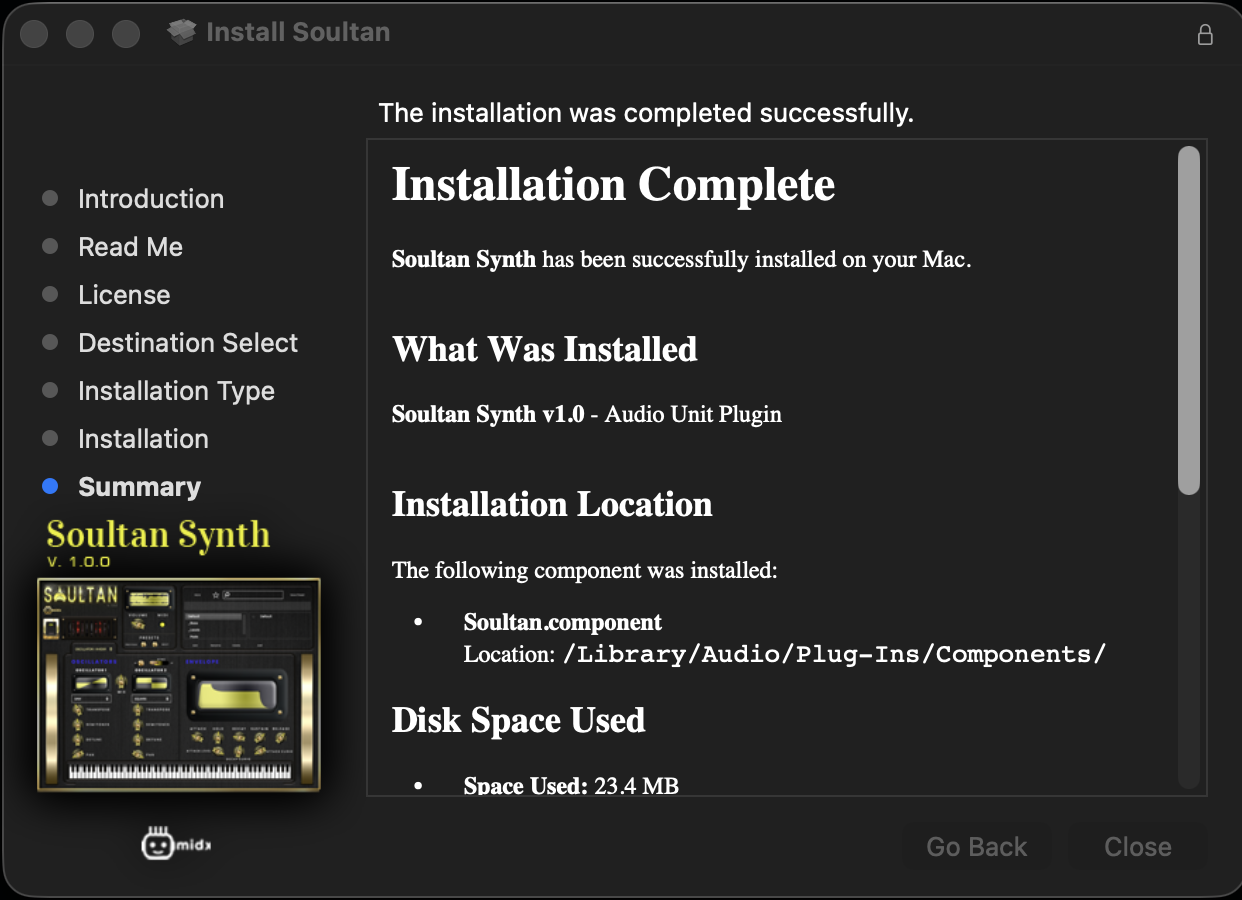
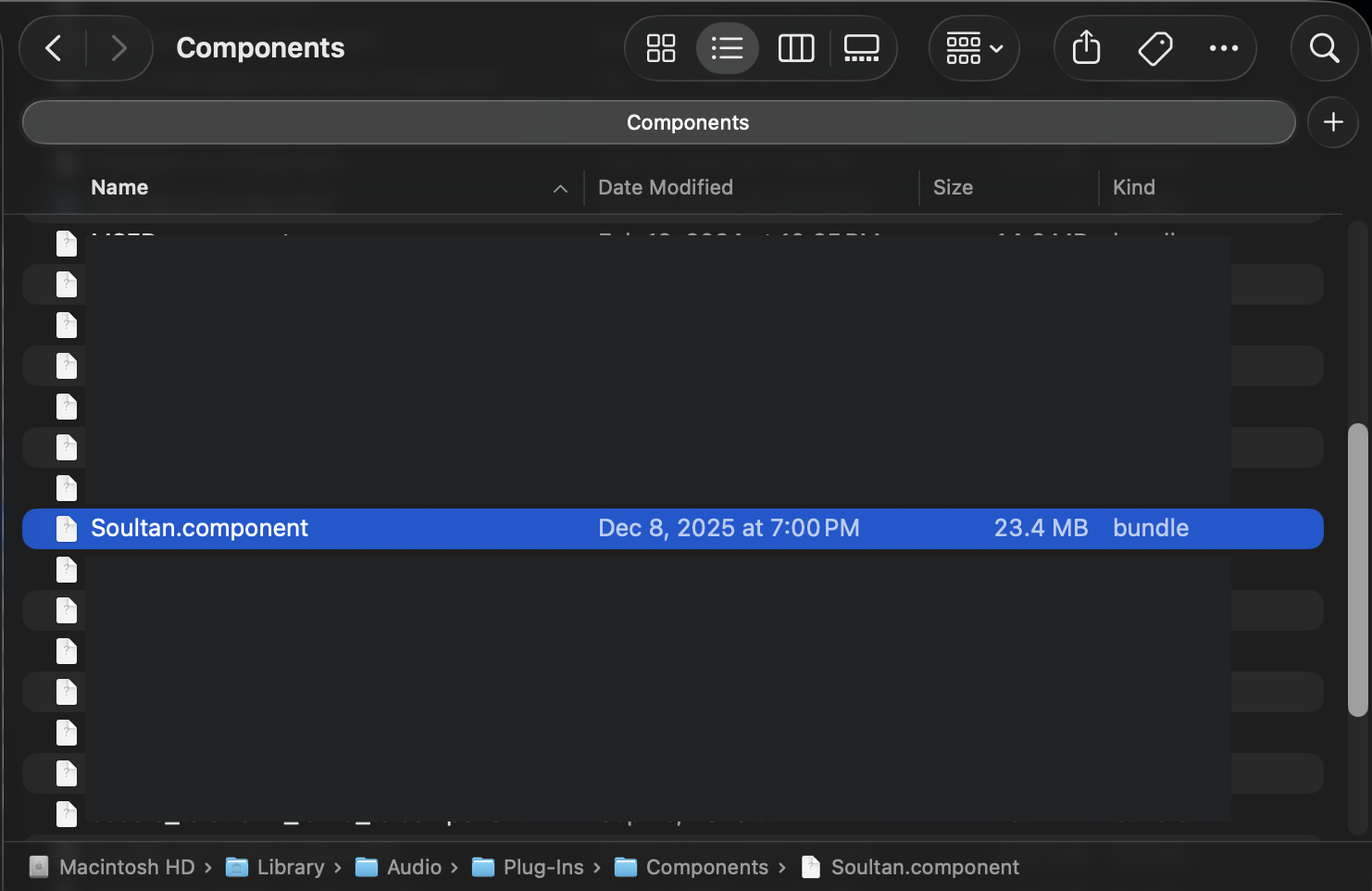
Naviagate to “~/Library/Audio/Plug-Ins/Components/” and the plug-in “Soultan.component” should be listed.
Locate the down-loaded installer file in your “Downloads” folder (download location may vary):
Steinberg VST (VST3)
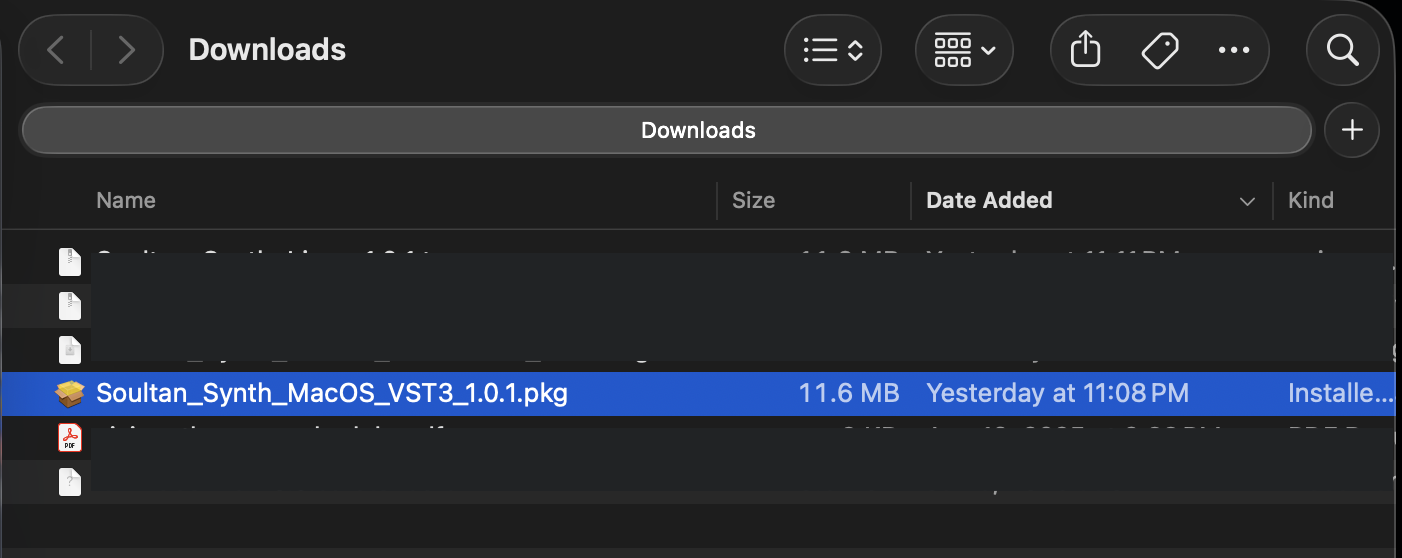
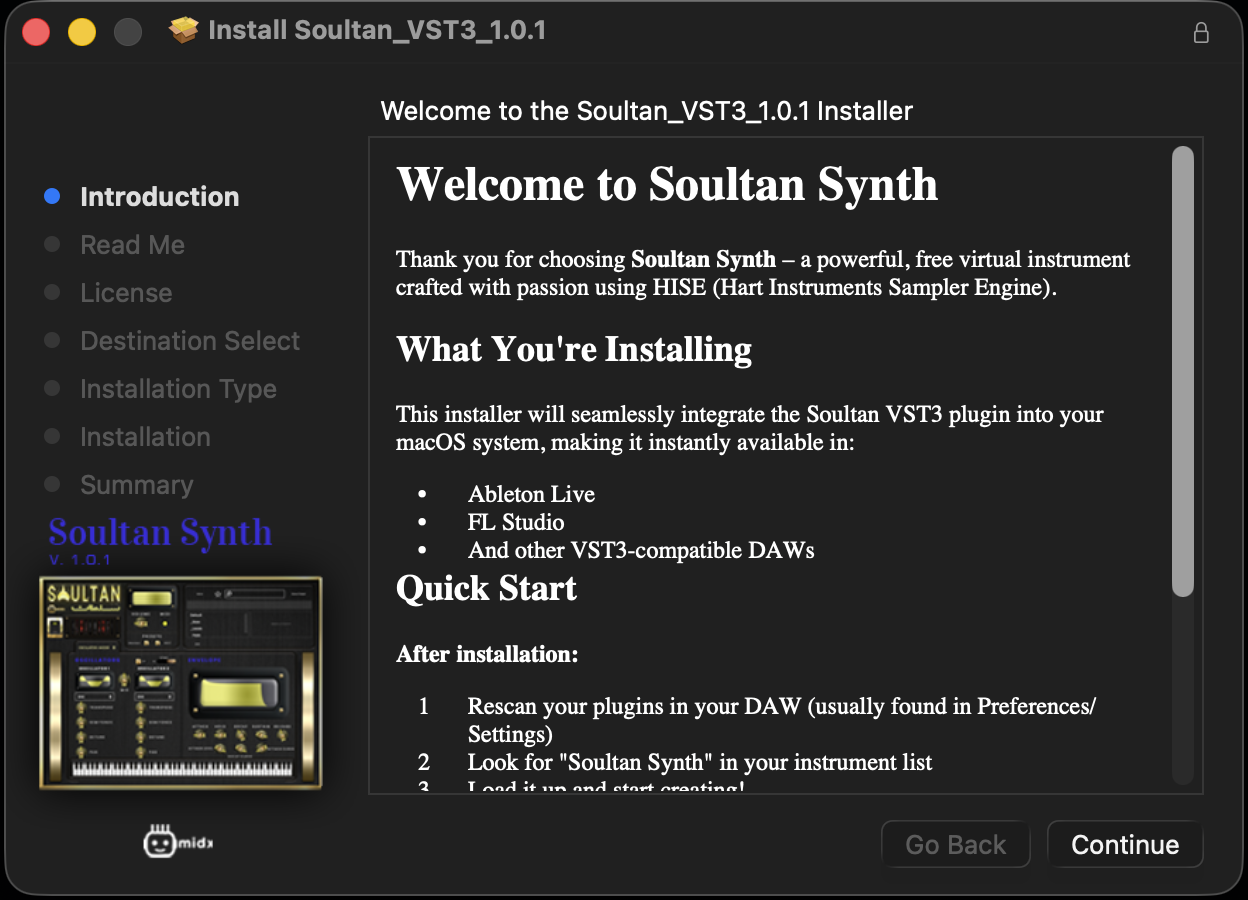
Double click to run the install package:
Read through the “Read Me” guide and click Continue:
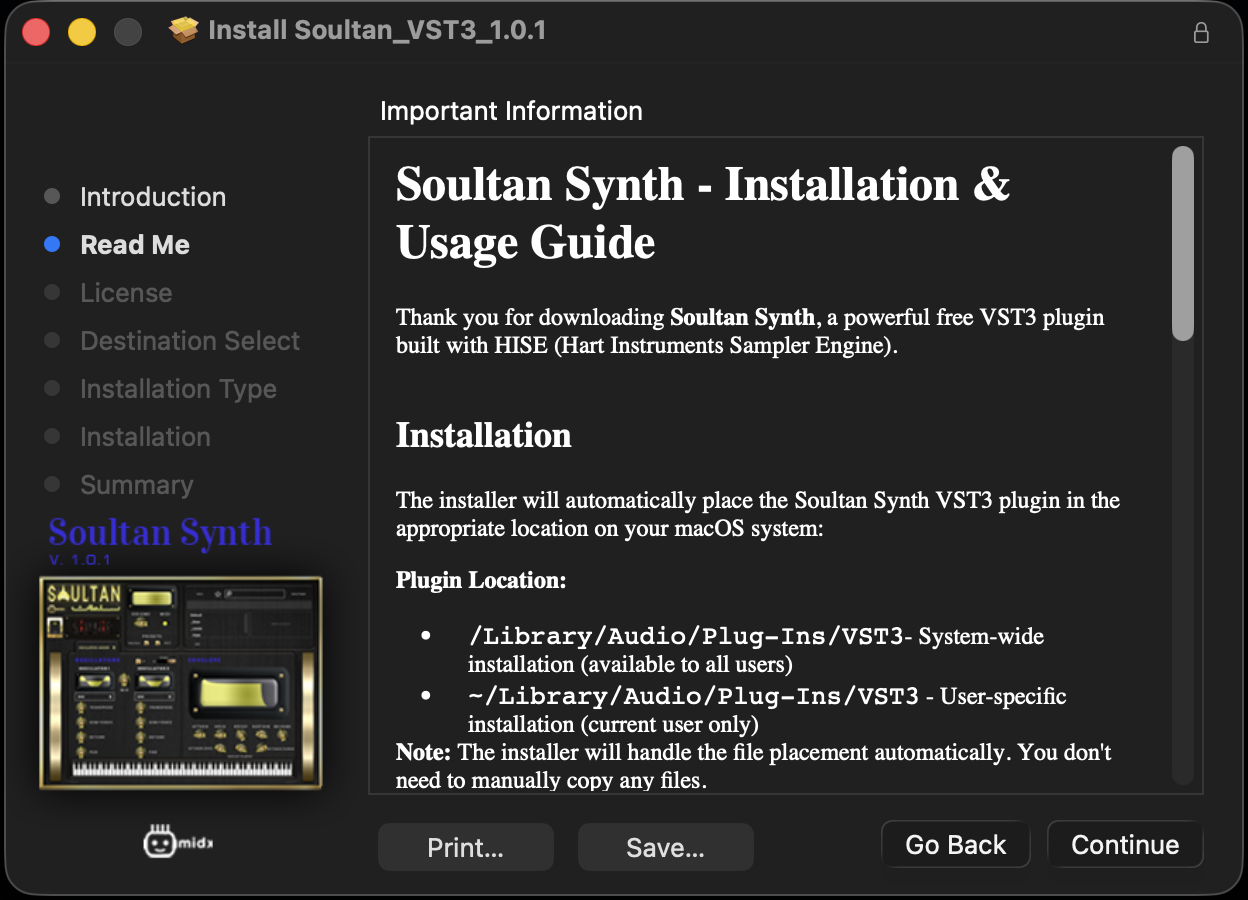
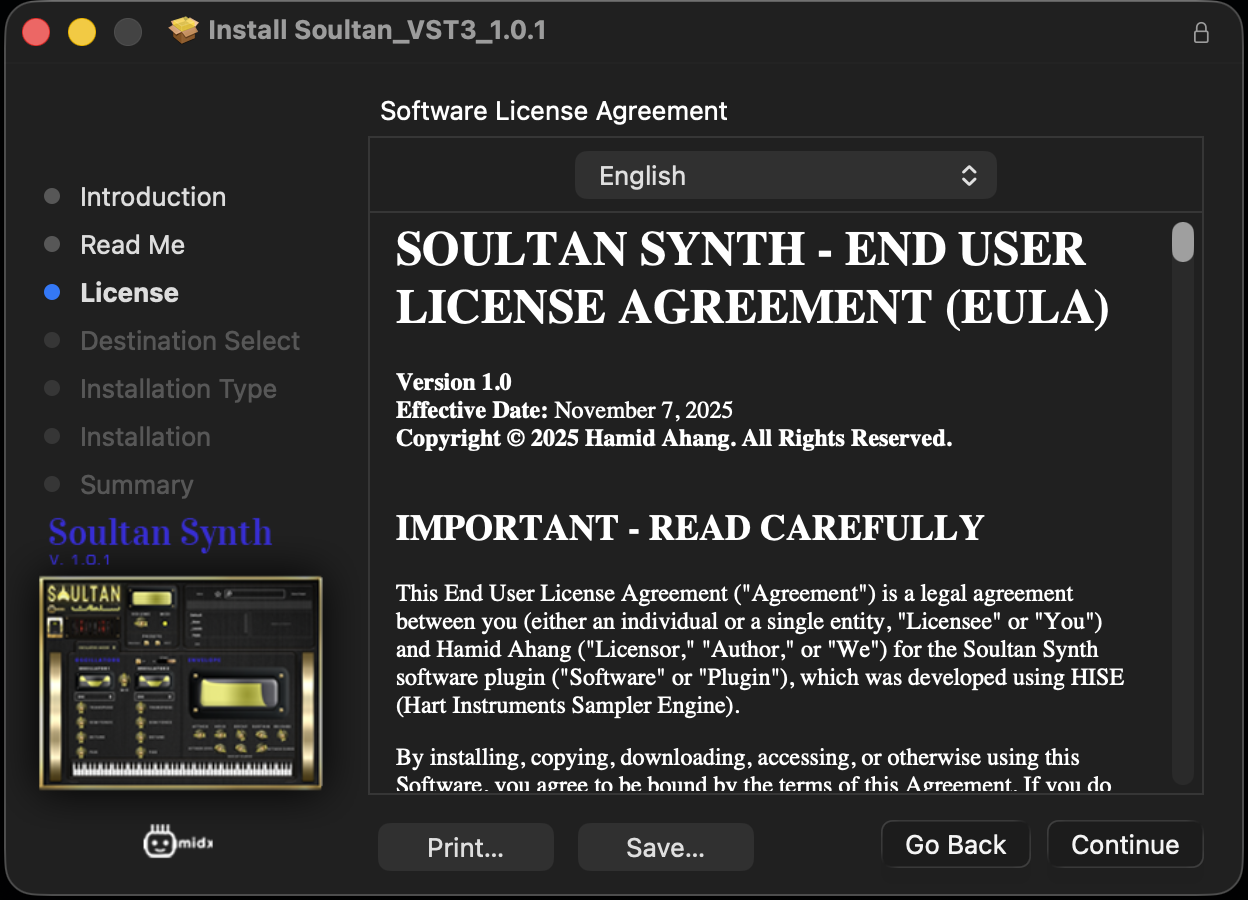
Read through the “License Agreement” and see next slide if need to change it to a different language.
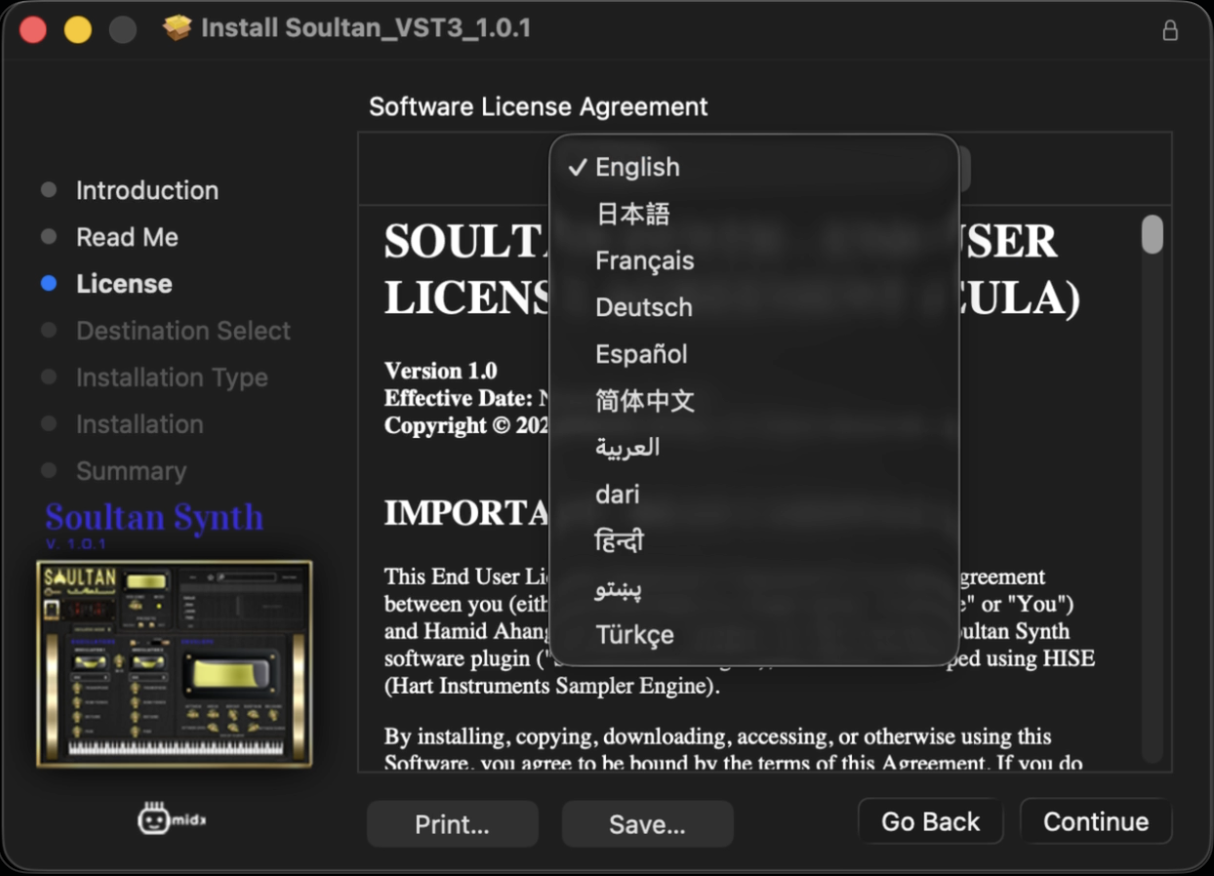
Click on drop-down and select any of these other languages to read the license file, then click Continue:
Arabic
Chinese
Dari (Farsi)
French
German
Hindi
Japanese
Pashto
Spanish
Turkish
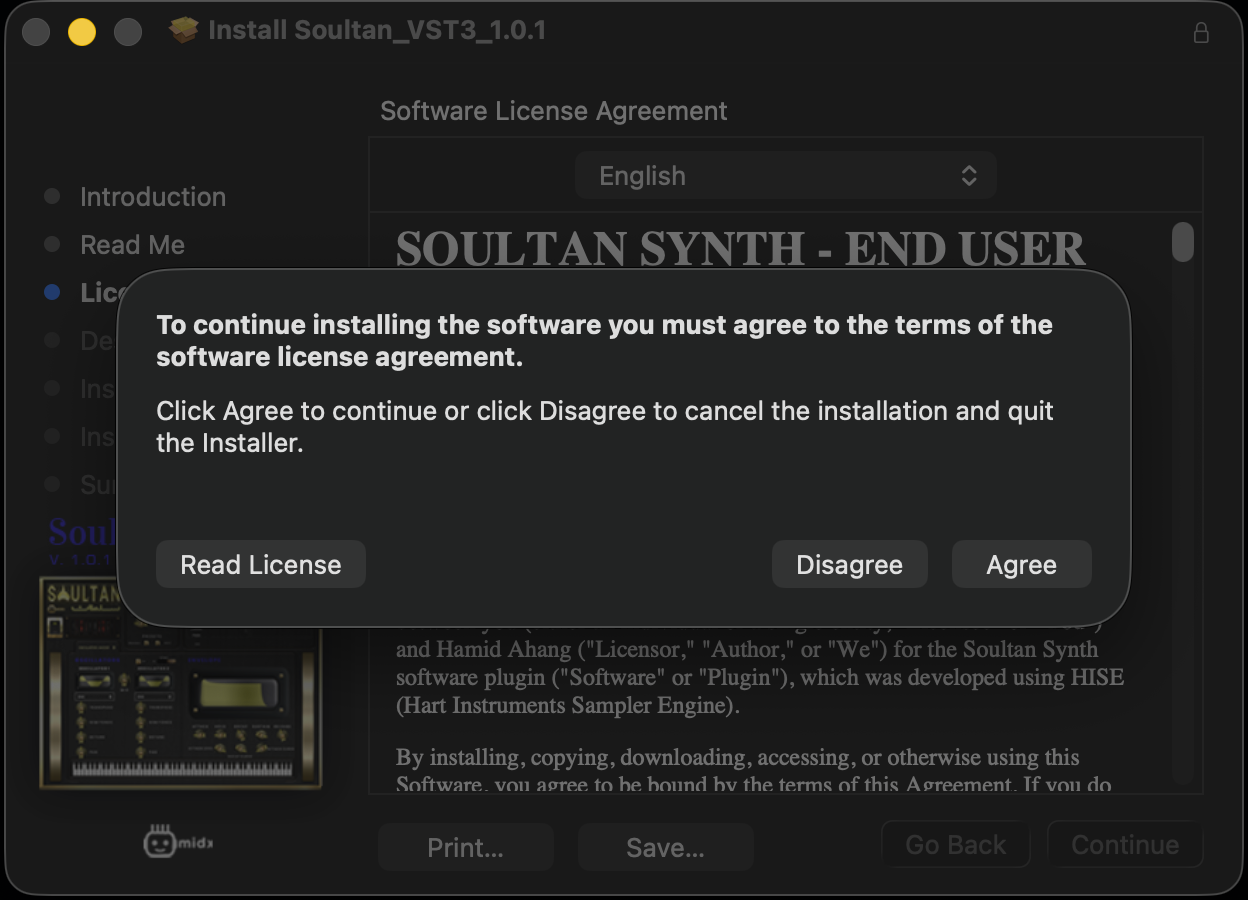
Click “Agree” to licensing terms to continue:
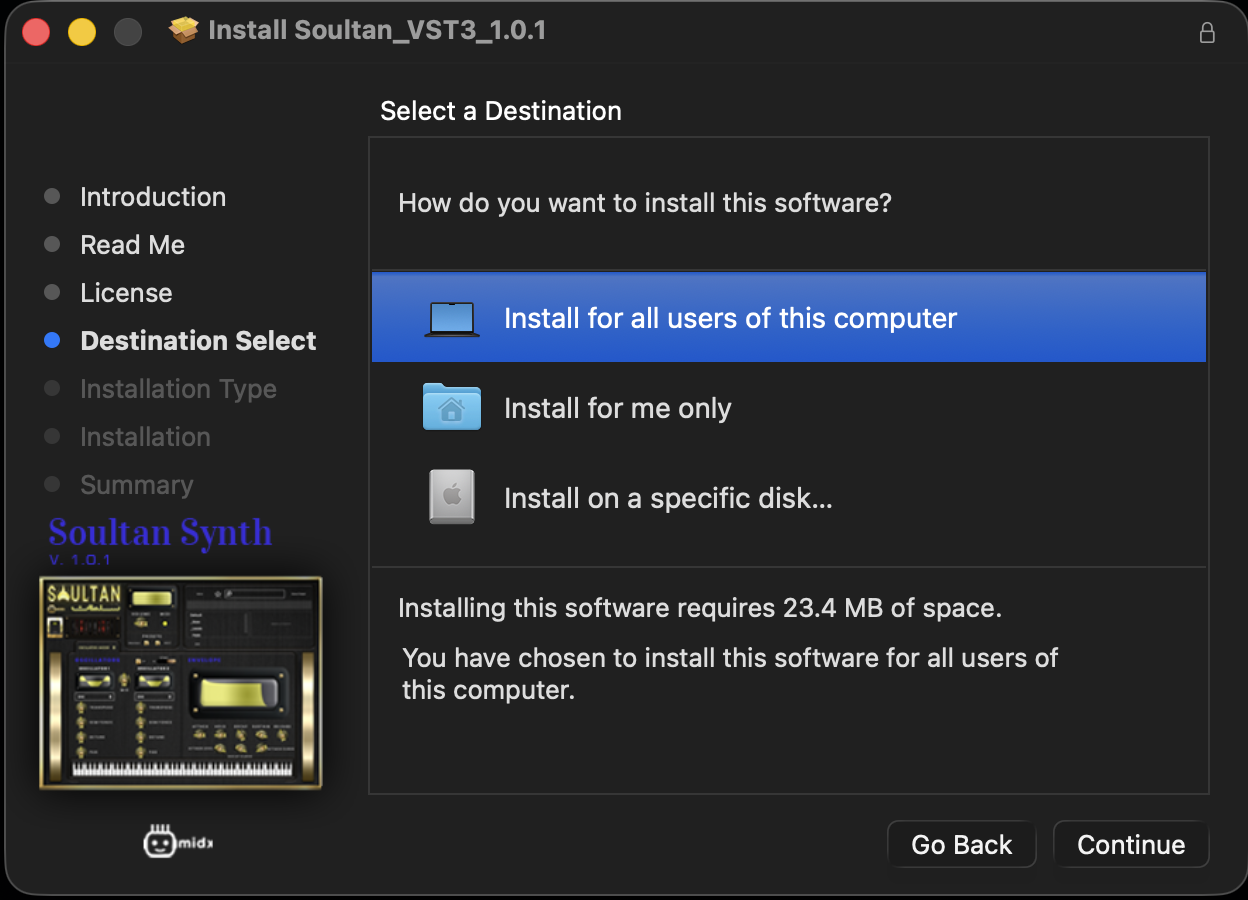
Select your desired install destination and click Conintue:
Once everything is confirmed, click on “Install”:
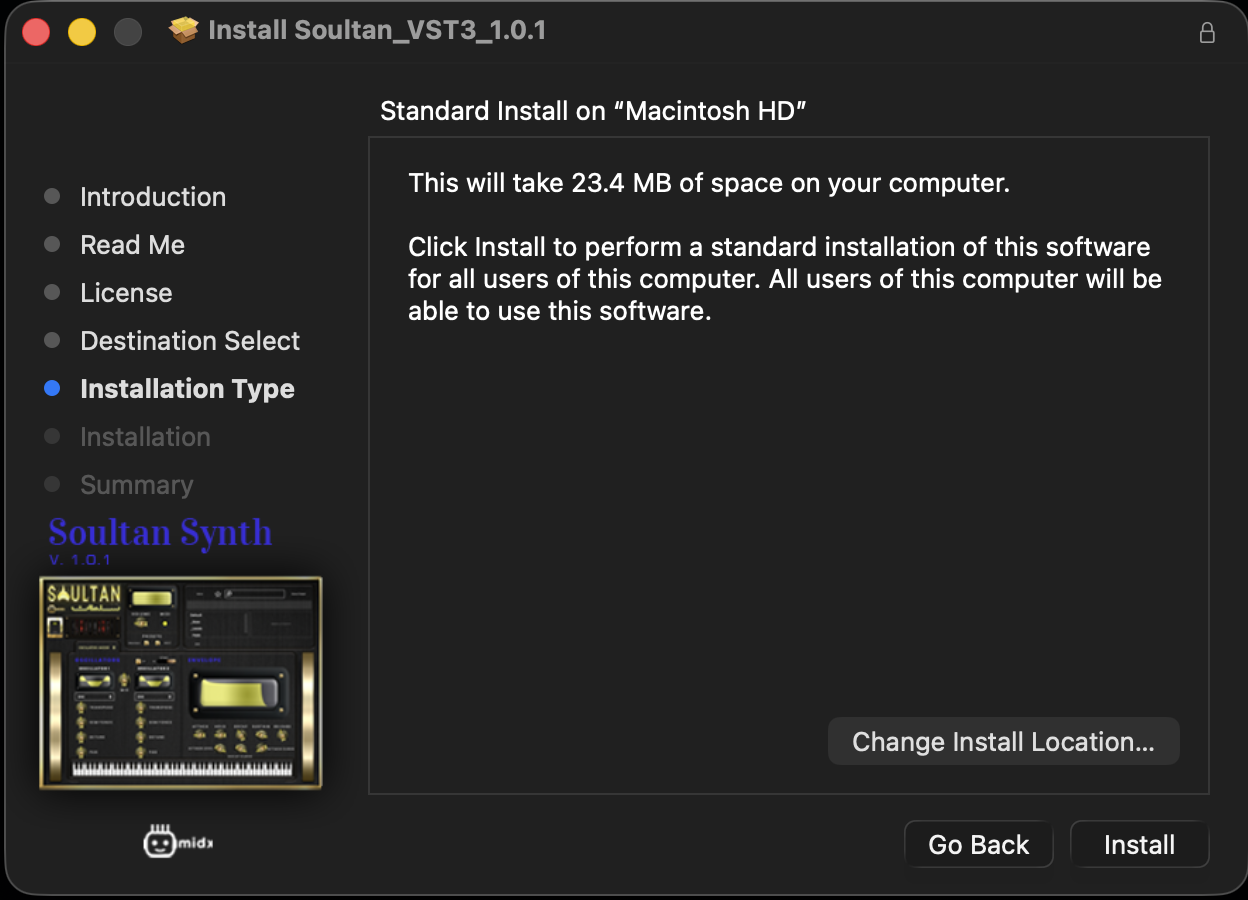
A “Summary” page will appear after install is complete and you can click on “Close” to exit:
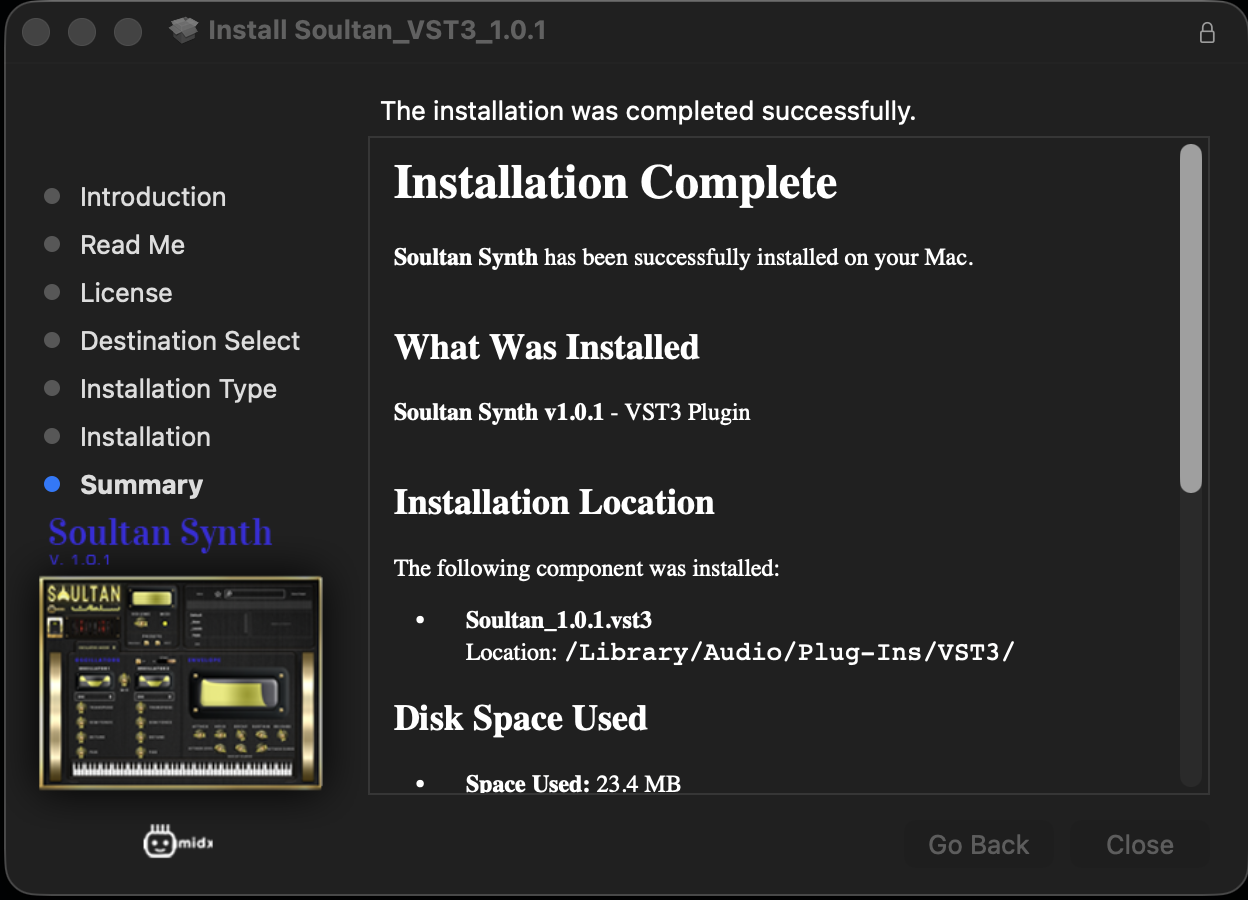
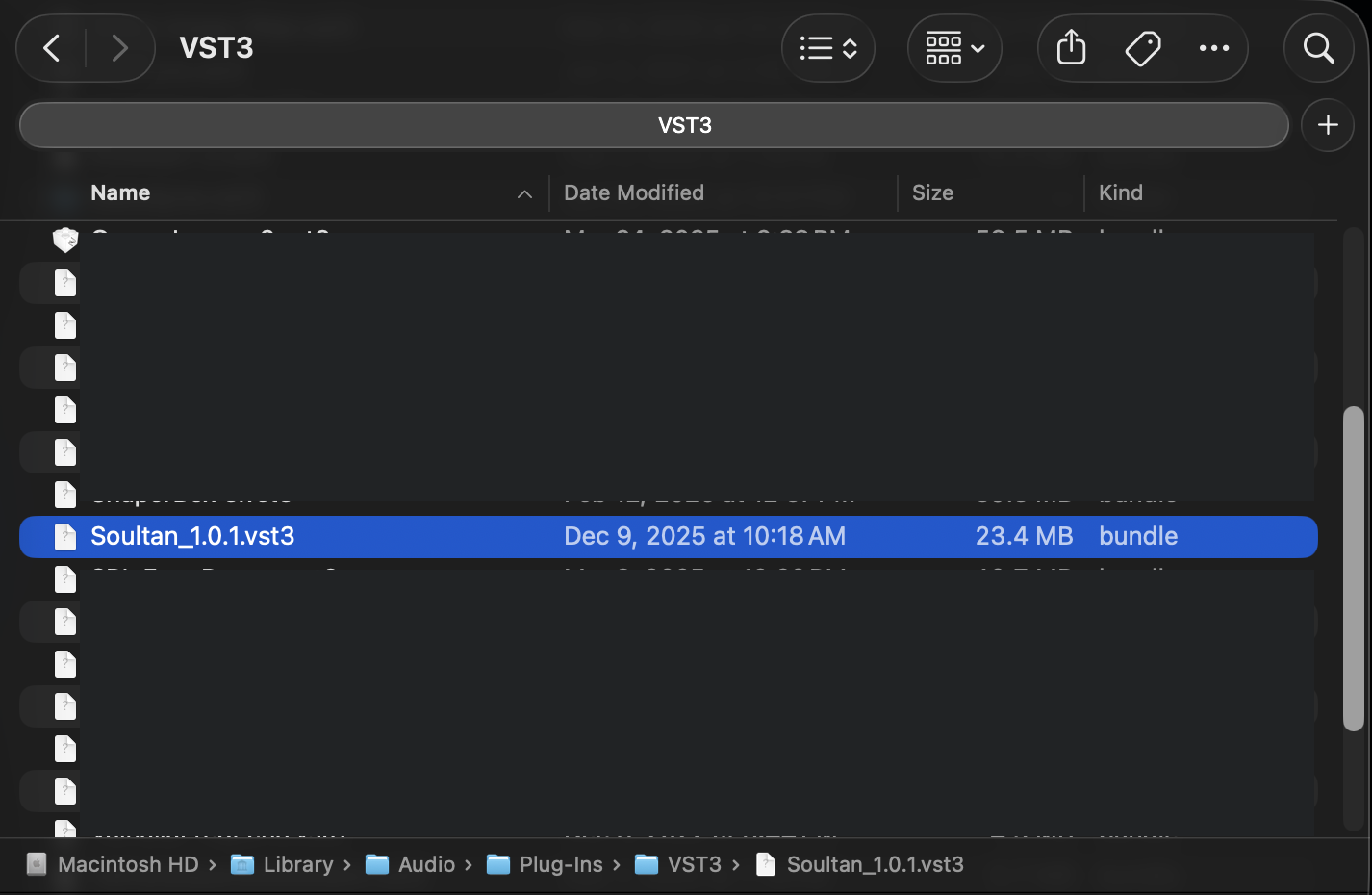
Naviagate to “~/Library/Audio/Plug-Ins/VST3/” and the plug-in “Soultan_1.0.1.vs3” should be listed.